Prices are in US dollars. Lemon Squeezy handles checkout as the merchant of record and adds any sales tax or VAT that applies in your country. You can pay by card, PayPal and other methods shown at checkout.
Samples
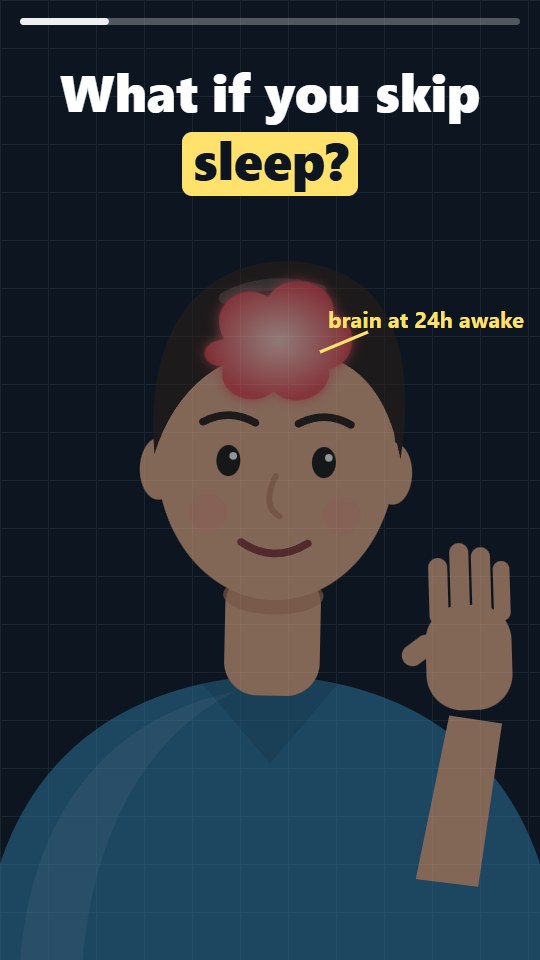
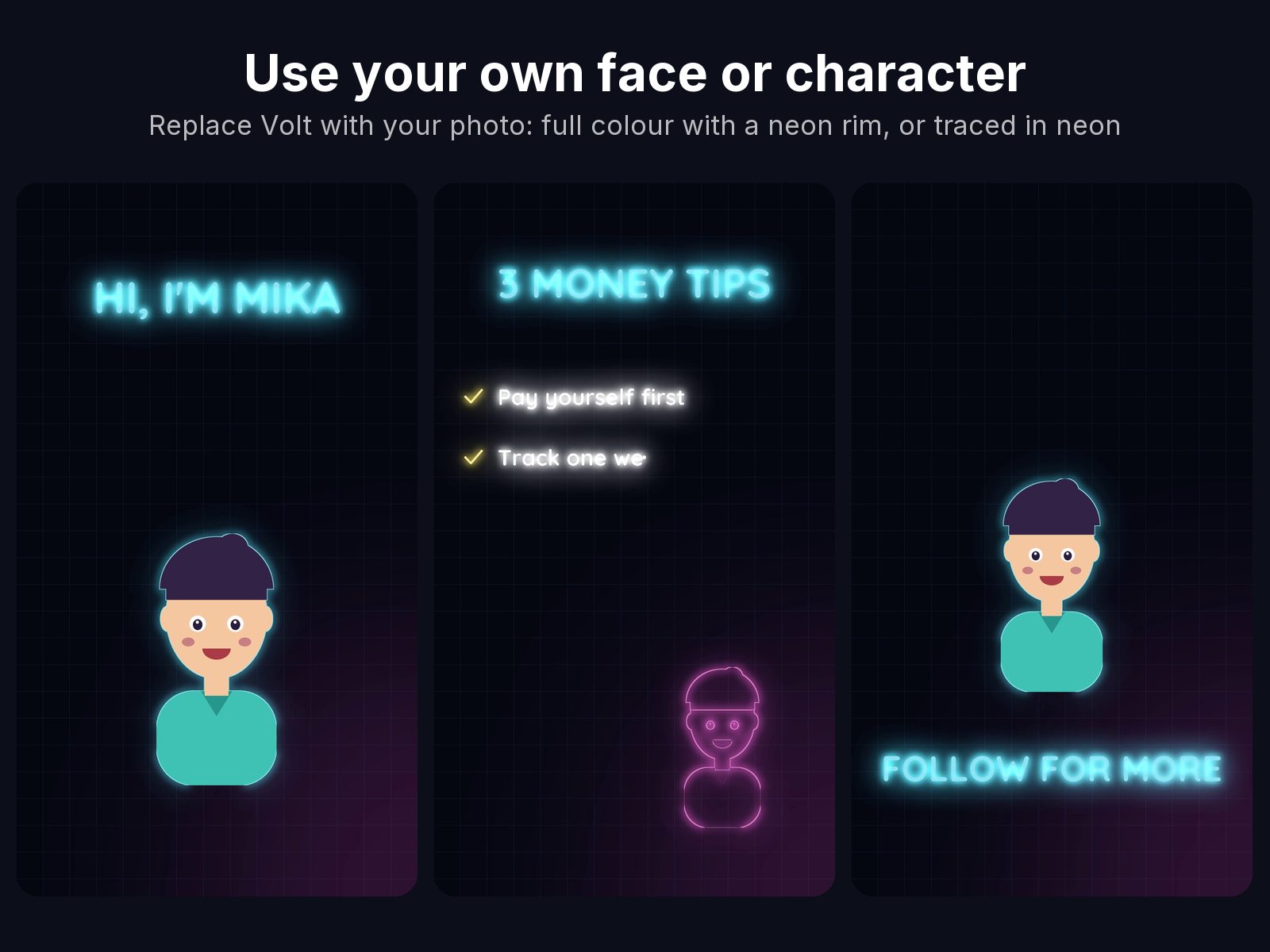
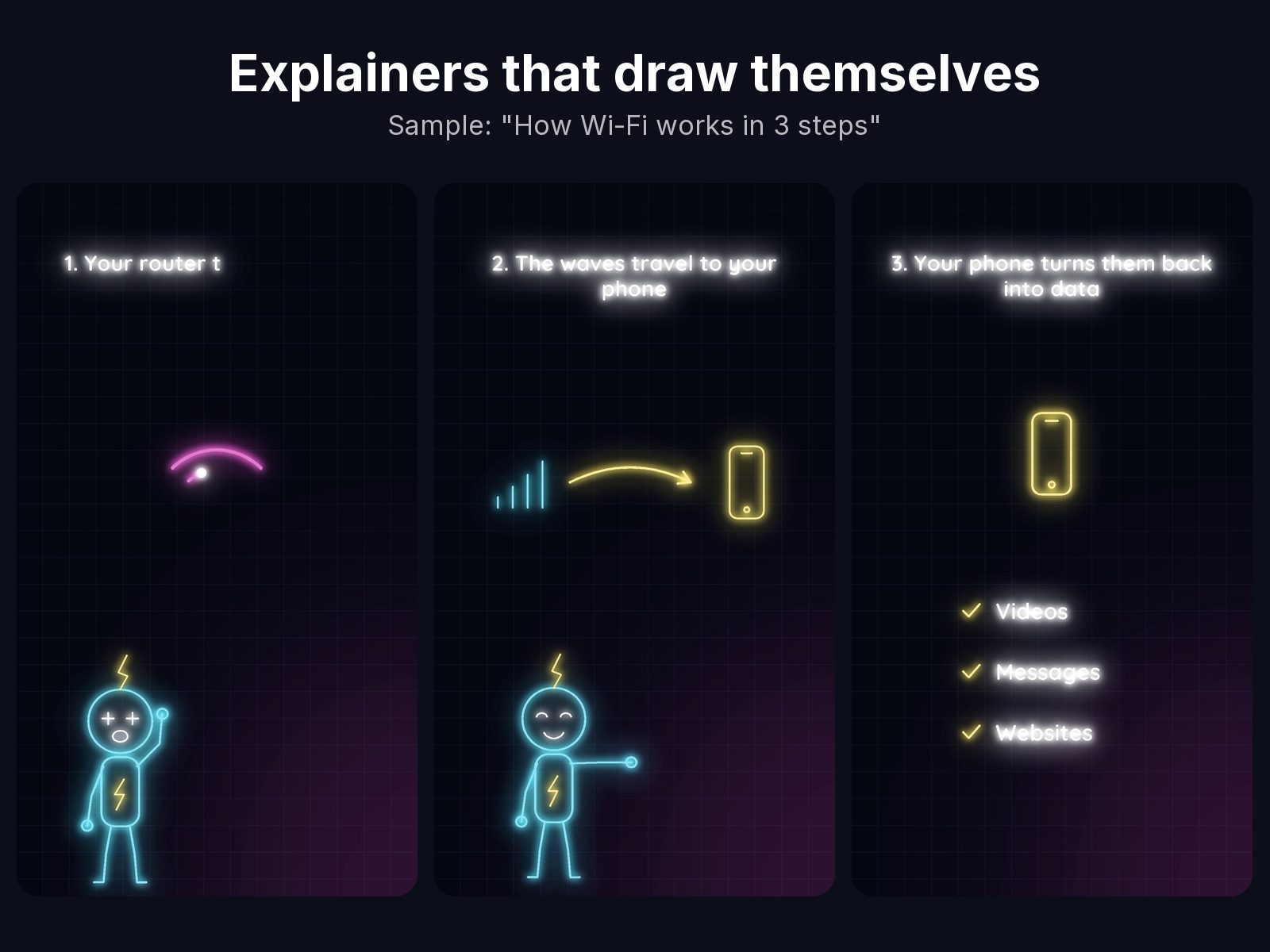
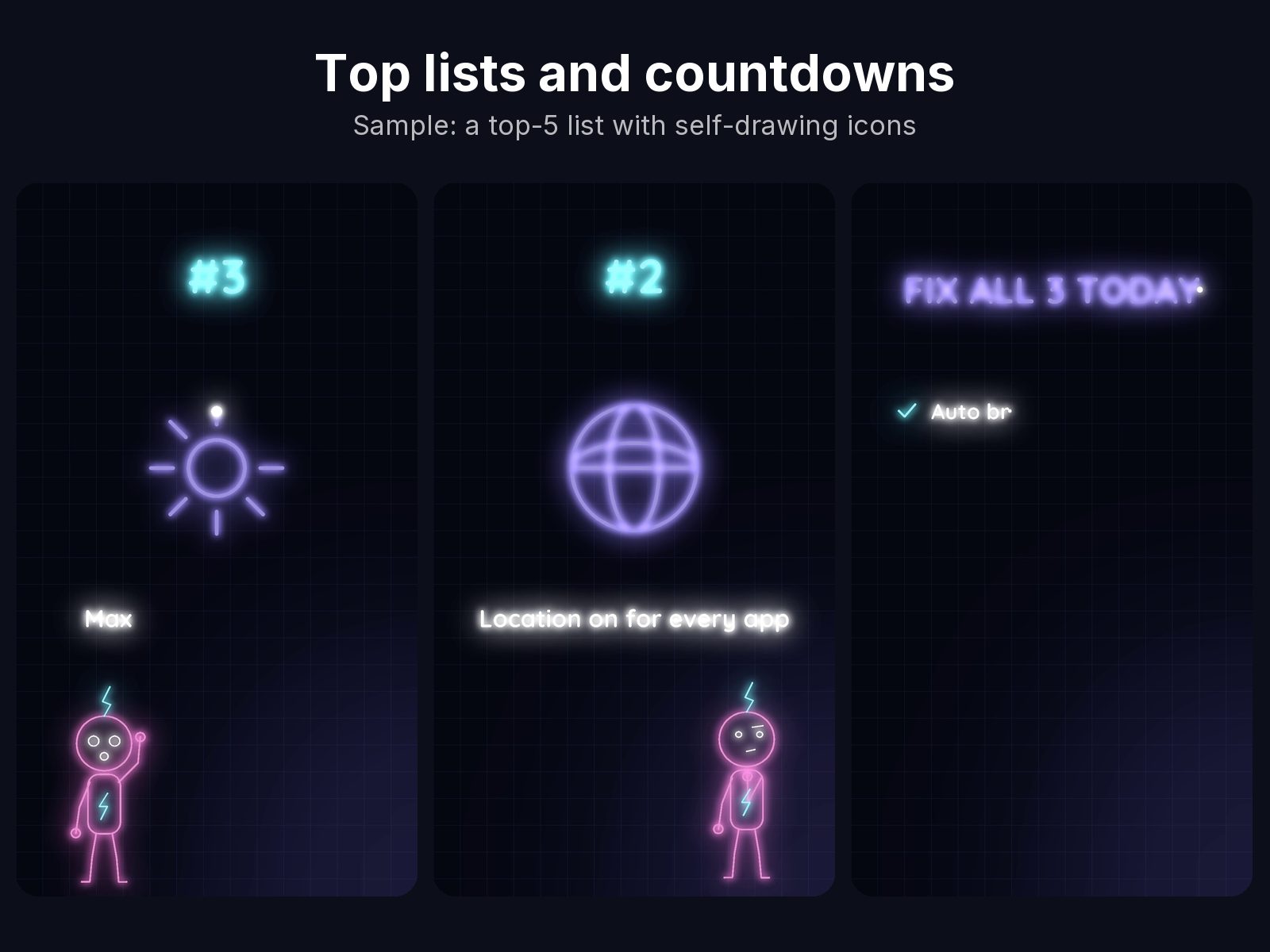
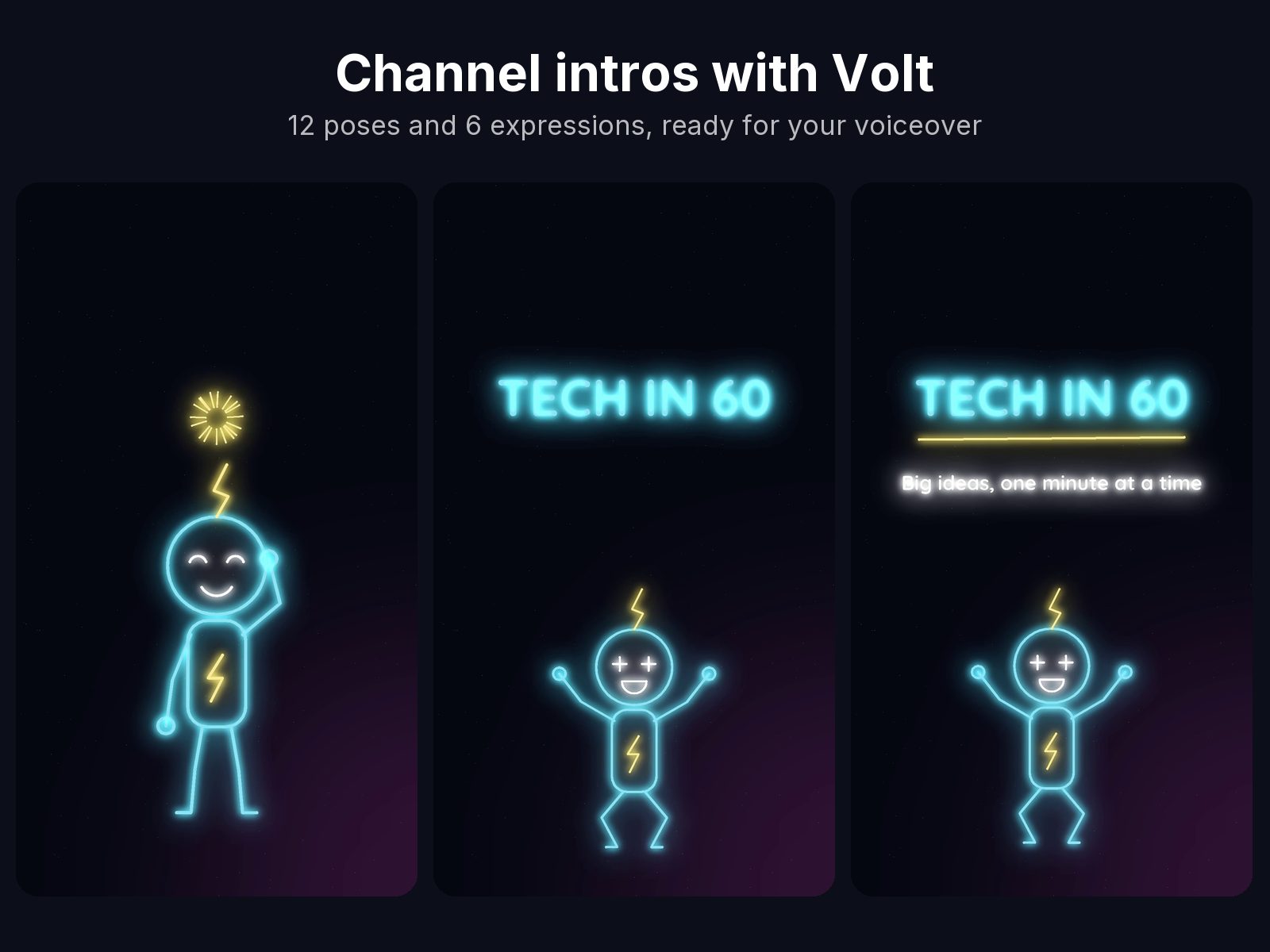
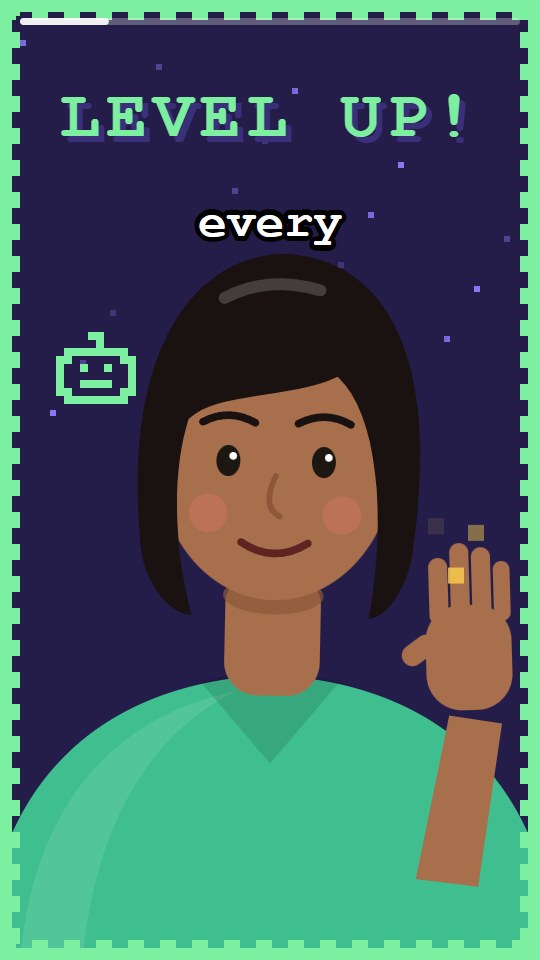
Made with the files in Glow Sketch Motion Kit. Open any image to see it full size.
About this product
Turn any explanation into glowing line drawings that sketch themselves on screen.
What's inside
Character: "Volt", a neon outline mascot with 12 poses and 6 expressions (plus transparent PNGs for thumbnails)
Your own character: swap Volt for your own face, a photo or your mascot. It hosts the video in full colour with a glowing neon rim, or traced in neon lines
Prompts: 40 ready-to-paste prompts for intros, explainers, lists and call-to-action endings
Assets & motion: 42 glow icons, arrows, highlights, sparks and transitions, plus an editor pack of glow overlays
guidebook.md: setup, prompt recipes and export settings for Shorts, Reels and TikTok
5 example videos and the storyboards that made them, including one with your own host
Made for tech explainers, tutorials and channel intros.
Read the guidebook
An excerpt from the guidebook.md that comes with this product. Switch to Markdown source to see the file as Claude reads it.
guidebook.md
Glow Sketch Motion Kit: guidebook
1. Add the kit to Claude
Unzip the download. You'll find this guidebook and glow-sketch-kit.zip.
In Claude, open Customize → Skills, choose + → Create skill → Upload a skill.
Upload glow-sketch-kit.zip and switch it on.
Works on every Claude plan, including Free. Turn on code execution first (Settings → Capabilities).
2. Your first animation
Paste this into a new chat:
Using the Glow Sketch kit, animate Volt explaining how Wi-Fi works in 3 steps.
Vertical 9:16, about 20 seconds, cyan on black, one idea per scene.
Claude plans the scenes, checks a preview of each one, then renders an MP4 you can download.
3. Prompt recipes
Goal
Start your prompt with
Channel intro
"Glow intro: Volt draws in, waves, then my channel name flickers on…"
Top list
"Glow list: one scene per item with a big icon, then a recap…"
Before/after
"Glow split: left side before, right side after…"
1# Glow Sketch Motion Kit: guidebook23## 1. Add the kit to Claude